Introduction
The Bose SoundLink Mini stands out for its exceptional sound and portability, making it a favorite among Bluetooth speaker enthusiasts. Ensuring that your SoundLink Mini is charged correctly not only keeps your speaker ready for use at any moment but also preserves the lifespan of its battery. This comprehensive guide provides you with practical tips on how to charge your Bose SoundLink Mini efficiently and troubleshoot any issues you might encounter.
Understanding the Bose SoundLink Mini Battery
At the core of the SoundLink Mini is a robust lithium-ion battery, designed to deliver hours of impressive audio performance. These batteries are prized for their energy density, offering a powerful output in a compact format that’s perfect for portable devices. Knowing more about this type of battery can help you maximize its lifespan and reliability. Key considerations include understanding the charging cycles and maintaining the battery in optimal conditions.
Step-by-Step Charging Instructions
Charging your Bose SoundLink Mini should be an effortless process when done correctly:
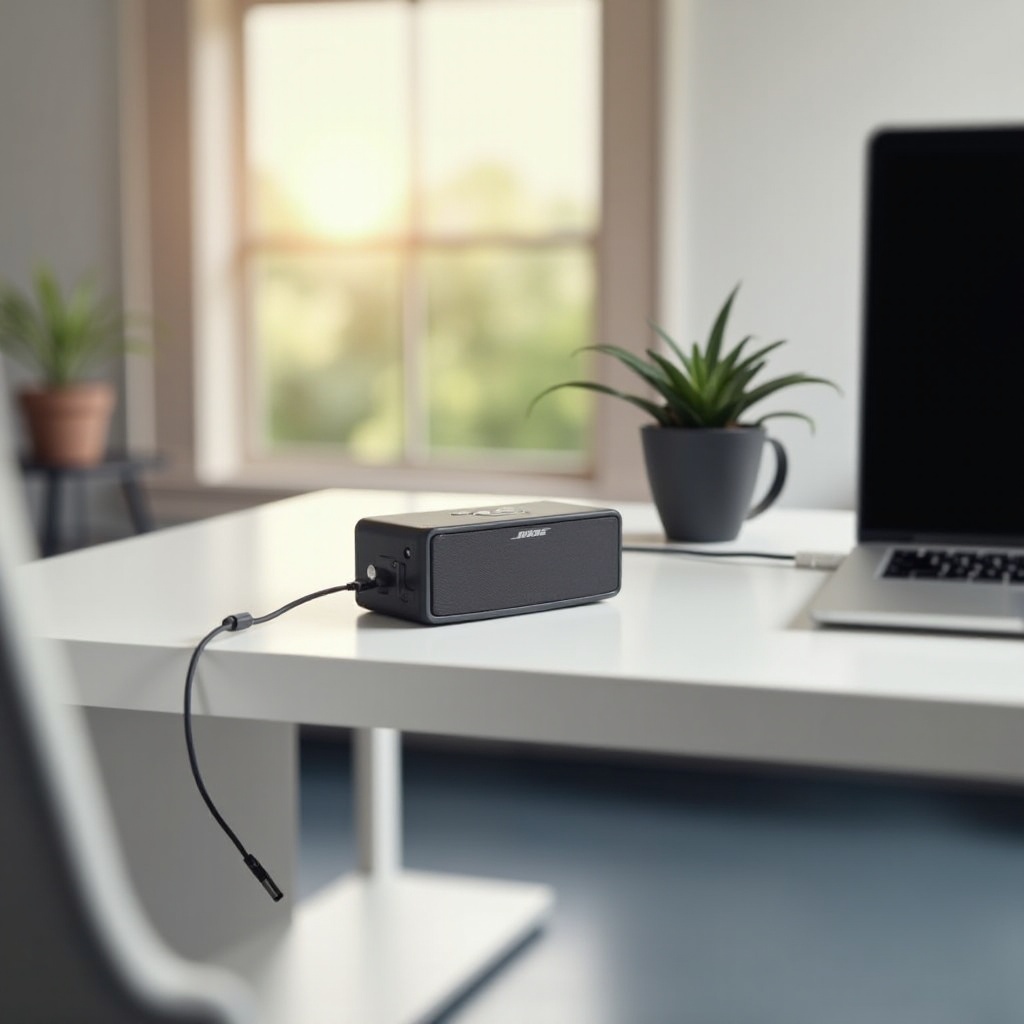
1. Connect the provided Bose charger to the speaker’s port and plug it into an electrical outlet. Ensure the connection is secure.
2. Observe the indicator light near the speaker’s power button. A solid amber light signals charging, while a full green light indicates that it’s fully charged.
3. Disconnect the charger once charging is complete to prolong battery life and prevent overcharging, which can harm the battery over time.
With these steps, you ensure that your SoundLink Mini is always ready to deliver when you need it.
Best Practices for Charging
Developing good charging habits can significantly extend your battery’s life and maintain the speaker’s quality. Always use the manufacturer’s charger to guarantee compatibility and optimal charging conditions. Charging your device regularly, but only when necessary, helps keep the battery functioning optimally. Avoid charging in extreme temperatures as both high and low temperatures can degrade the battery’s performance and lifespan over time. Consistent adherence to these practices will result in a more dependable and longer-lasting device.
Troubleshooting Charging Issues
Despite best efforts, charging issues may arise. Common problems include:
– The speaker not charging: Check your charger connection and try different power outlets.
– Rapid battery drain: Ensure that your speaker software is up to date, as outdated firmware can lead to performance issues.
– Indicator light failure: Examine the charging cable for damages, and attempt a device reset by holding the power button for ten seconds.
Addressing these issues promptly can keep your SoundLink Mini functioning correctly and avert prolonged downtime.
Tips to Extend Battery Life
Maintaining your battery’s health goes beyond simple charging practices. Implement these strategies to optimize battery life:
– Listen at moderate volumes when possible; higher volumes can drain the battery quicker.
– Turn off the speaker when not in use to conserve power and extend its operational life.
– Regularly check for firmware updates that can enhance battery performance and install them promptly.
Combining these tips with diligent care can keep your battery functioning efficiently for a longer period.
Common Mistakes to Avoid When Charging
Avoiding certain errors can help preserve your battery’s health:
– Overcharging: Disconnect as soon as the battery is full to avoid unnecessary strain.
– Using non-Bose chargers: These may not provide the correct charge, leading to potential damage.
– Ignoring updates and maintenance: Firmware updates frequently contain improvements that can enhance battery management.
Preventing these mistakes contributes to the overall longevity and performance of your device.
Conclusion
Caring for your Bose SoundLink Mini through effective charging and maintenance practices will ensure it remains in top working condition. By understanding your battery, following structured routines, and addressing potential issues swiftly, you ensure that your speaker continues to provide exceptional sound quality for years to come. Paying attention to these details enhances your audio experience and maximizes the value of your purchase.
Frequently Asked Questions
What should I do if my Bose SoundLink Mini won’t charge?
Ensure the charger is correctly connected and the power outlet functions. Try using a different outlet or charger, and if that fails, reset the speaker or contact Bose support.
Can I use a third-party charger for my Bose SoundLink Mini?
While you can use a third-party charger, it’s recommended to use the original Bose charger to ensure compatibility and optimal battery health.
How often should I charge my Bose SoundLink Mini for optimal battery life?
Charge the device regularly but avoid keeping it plugged in longer than necessary. Regular firmware updates and keeping the speaker off when not in use help maintain its longevity.