Introduction
Powerbeats headphones are beloved for their superior sound quality and robust build, attracting both audio enthusiasts and athletes. Despite their durability, these headphones may encounter issues like audio malfunctions, battery failures, connectivity disruptions, or physical damage over time. This guide provides troubleshooting tips and solutions for common Powerbeats problems, ensuring you can continue enjoying your favorite tunes.
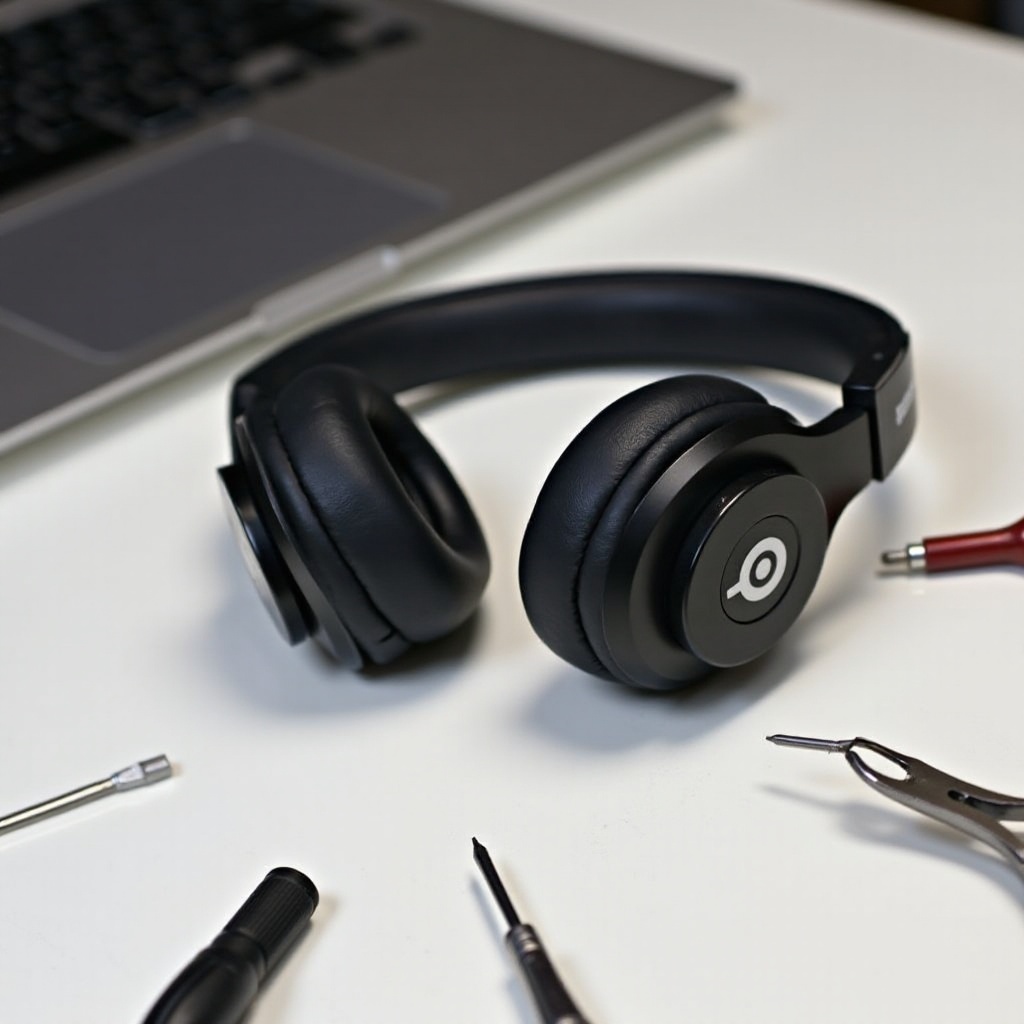
Understanding Common Powerbeats Problems
Before delving into fixes, it’s important to recognize the potential issues with your Powerbeats. By identifying these problems, you can apply the right solutions and optimize your troubleshooting efforts. Common issues may include:
- Audio Issues: Static, Distortion, No Sound: Users sometimes experience static or distorted sound, or even a complete loss of sound. These problems are often rooted in software glitches or hardware damage.
- Battery and Charging Challenges: Your Powerbeats might not charge properly or may lose power quickly. This can be attributed to a faulty charging port or a depleted battery.
- Connectivity Problems and Bluetooth Failures: Bluetooth connectivity allows wireless convenience, but issues may arise when devices fail to pair or connections frequently drop.
- Physical Damage: Band and Earbud Troubles: Physical damage such as broken bands or damaged earbuds is common, particularly if you wear the headphones during rigorous activities.
Understanding these problems equips you with the knowledge needed to address them effectively, leading us to a detailed repair guide.
Step-by-Step Repair Solutions
To address the issues with your Powerbeats, follow these structured repair solutions, designed to tackle each problem systematically:
- Troubleshooting Audio Problems:
- Verify that volume settings are appropriately adjusted on both your device and headphones.
- Update the firmware of your Powerbeats via the official support app.
-
Inspect the music source for issues, such as corrupted files, if audio troubles persist.
-
Resolving Battery and Charging Issues:
- Ensure the charging port is clean and free from debris.
- Try using another compatible charging cable and power outlet.
-
Reset your headphones by holding the power button for 10 seconds.
-
Fixing Connectivity and Bluetooth Problems:
- Confirm that Bluetooth is enabled and attempt to re-pair your Powerbeats with the device.
- Clear the Bluetooth cache through your device settings.
-
Consider resetting network settings if connectivity issues persist.
-
DIY Fixes for Physical Damage:
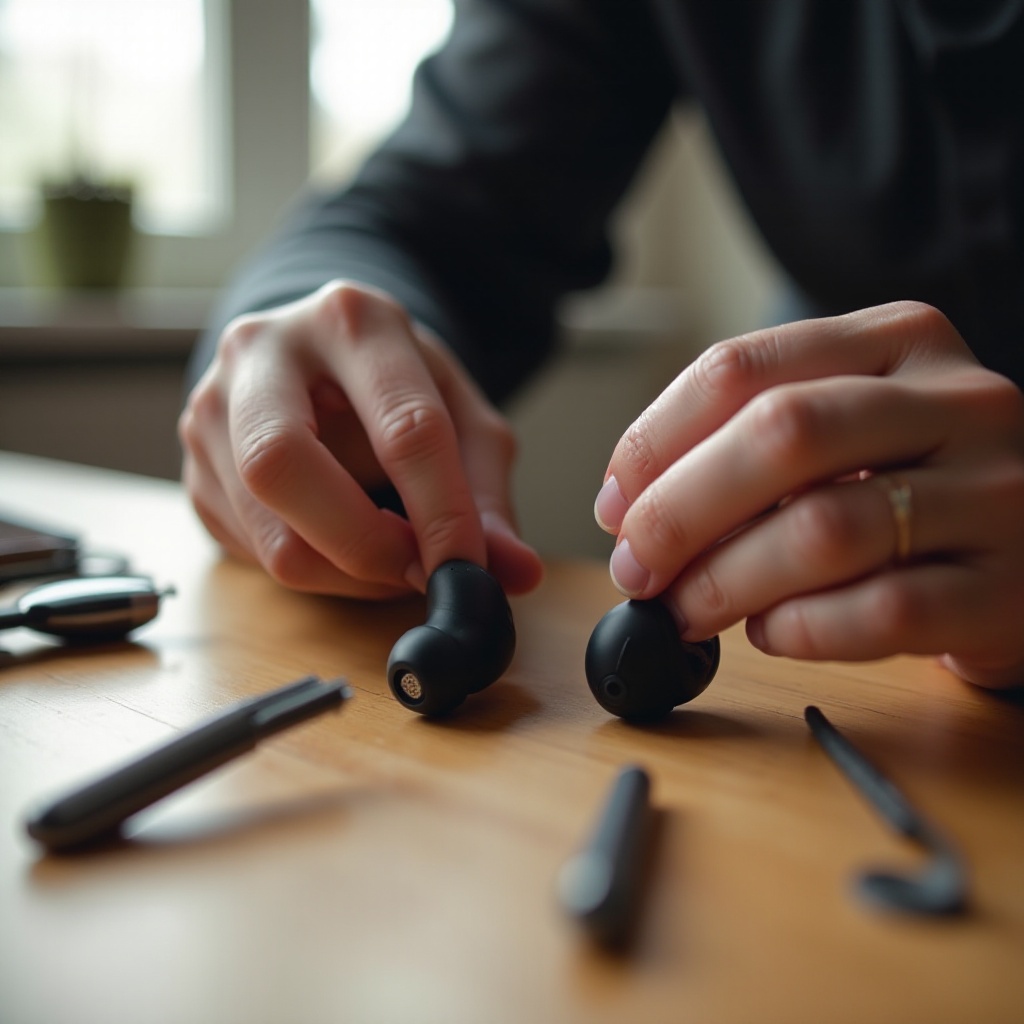
- Use a small screwdriver set for tightening screws or replacing parts as needed.
- Apply adhesive for minor band damage or use a case to hold components together.
- Replace severely damaged earbuds with new ones.
While these DIY approaches can effectively resolve many issues, preventive measures can further extend the life of your headphones.
Preventive Maintenance Practices
To keep your Powerbeats functioning optimally, incorporate preventive maintenance practices into your routine:
- Cleaning and Care for Longevity:
- Regularly clean your headphones with a soft, damp cloth to remove sweat and dust.
-
Store them away from extreme temperatures that could cause internal damage.
-
Battery Life Preservation Tips:
- Fully charge your headphones, but avoid leaving them plugged in after reaching full power.
-
Store them in a cool environment when not in use to prevent battery deterioration.
-
Safe Storage and Handling Practices:
- Invest in a protective case for transport to prevent physical damage.
- Avoid tangling cables or applying strain that could harm internal wiring.
When regular maintenance is insufficient to solve major issues, professional help may be necessary.
When to Seek Professional Help
Some problems may require professional intervention. Here’s when to consider expert assistance:
– If DIY fixes don’t resolve your issue and your headphones are under warranty, seek help from the manufacturer or retailer.
– Compare the cost and benefits of professional repair versus replacement, ensuring an informed decision is made.
Incorporating accessories can also protect your Powerbeats and prolong their usage.
Accessories to Enhance Durability
Adding accessories to your Powerbeats can shield them from damage:
- Choosing Reliable Cases and Covers:
- Opt for hard shell cases to provide robust protection during travel or commuting.
-
Use silicone protectors for an extra layer of security.
-
Recommended Accessories for Extra Protection:
- Use anti-drop straps for security during intense activities.
- Apply protective skins to guard against scratches and dust.
With appropriate maintenance and protective measures, you can significantly enhance the longevity of your Powerbeats.
Conclusion
Maintaining your Powerbeats doesn’t have to be challenging. By understanding frequent issues, applying DIY solutions, and adopting regular maintenance, you can enjoy the superior audio quality your headphones offer for years to come. And if needed, professional help is always within reach to ensure your headphones stay in excellent condition.
Frequently Asked Questions
What Should I Do if My Powerbeats Won’t Charge?
First, try using a different charging cable and power source. Ensure the charging port is clean. If the issue persists, reset your Powerbeats by holding the power button for 10 seconds and then reconnect.
Can I Fix Powerbeats Audio Problems Myself?
Yes, audio issues can often be fixed at home. Check volume settings, update firmware, and ensure the audio source is functioning properly. For persistent issues, consider professional help.
How Do I Contact Support for Persistent Issues?
Visit the official Powerbeats website for contact details or return to the store where you purchased them if they’re under warranty. Have your purchase details and a description of the problem ready for the best support.