Introduction
Printers play a pivotal role in both personal and professional settings, providing a reliable method to create physical copies of documents. It’s frustrating, however, when your printer refuses to pull paper through the feed mechanism. This issue can result from various causes, ranging from simple alignment mistakes to complex mechanical failures. In this article, we will explore the most common causes of this problem and provide you with practical steps to resolve it effectively.

Common Causes of Paper Feeding Issues
Identifying the underlying reason for paper feeding problems is a crucial step towards resolving them. Some frequent causes include:
-
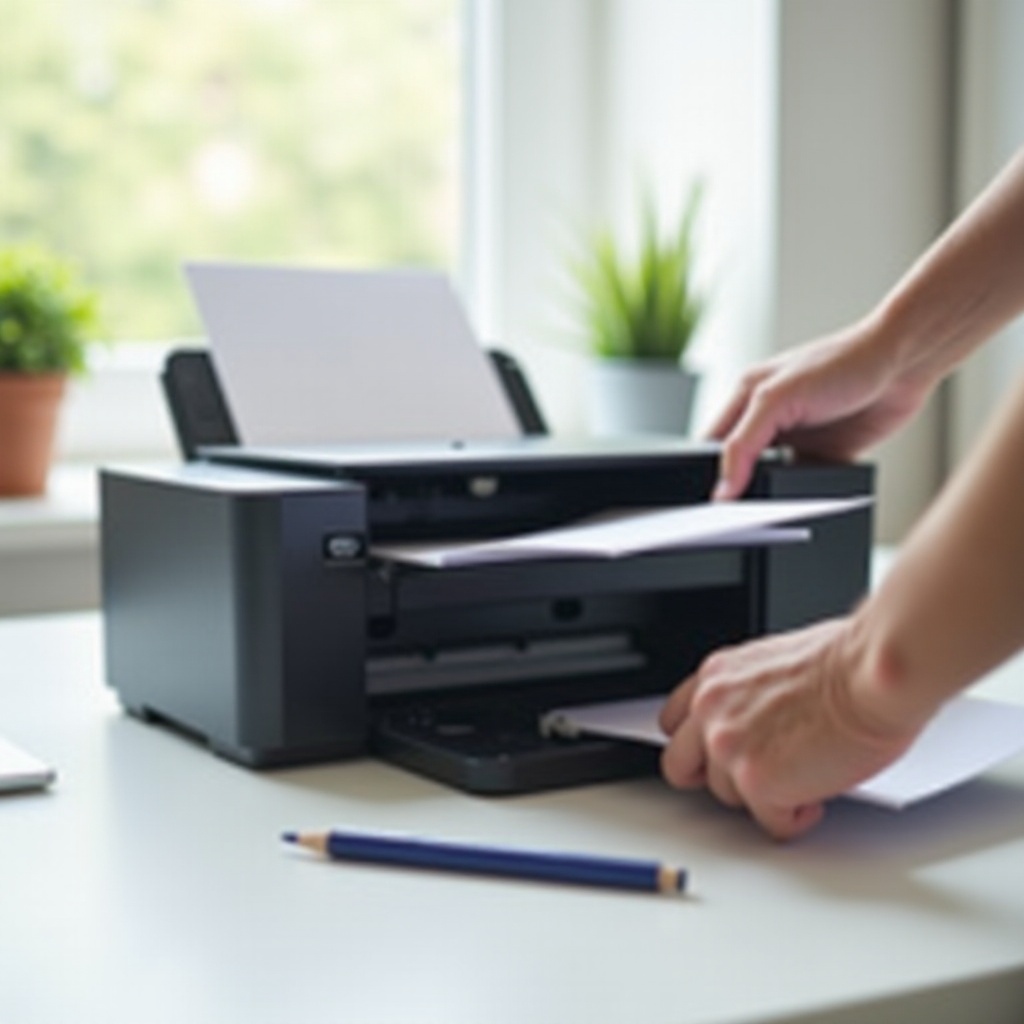
Paper Tray Misalignment: A misaligned paper tray can significantly impede the paper feeding process. When paper isn’t loaded correctly, the printer struggles to grip it properly.
-
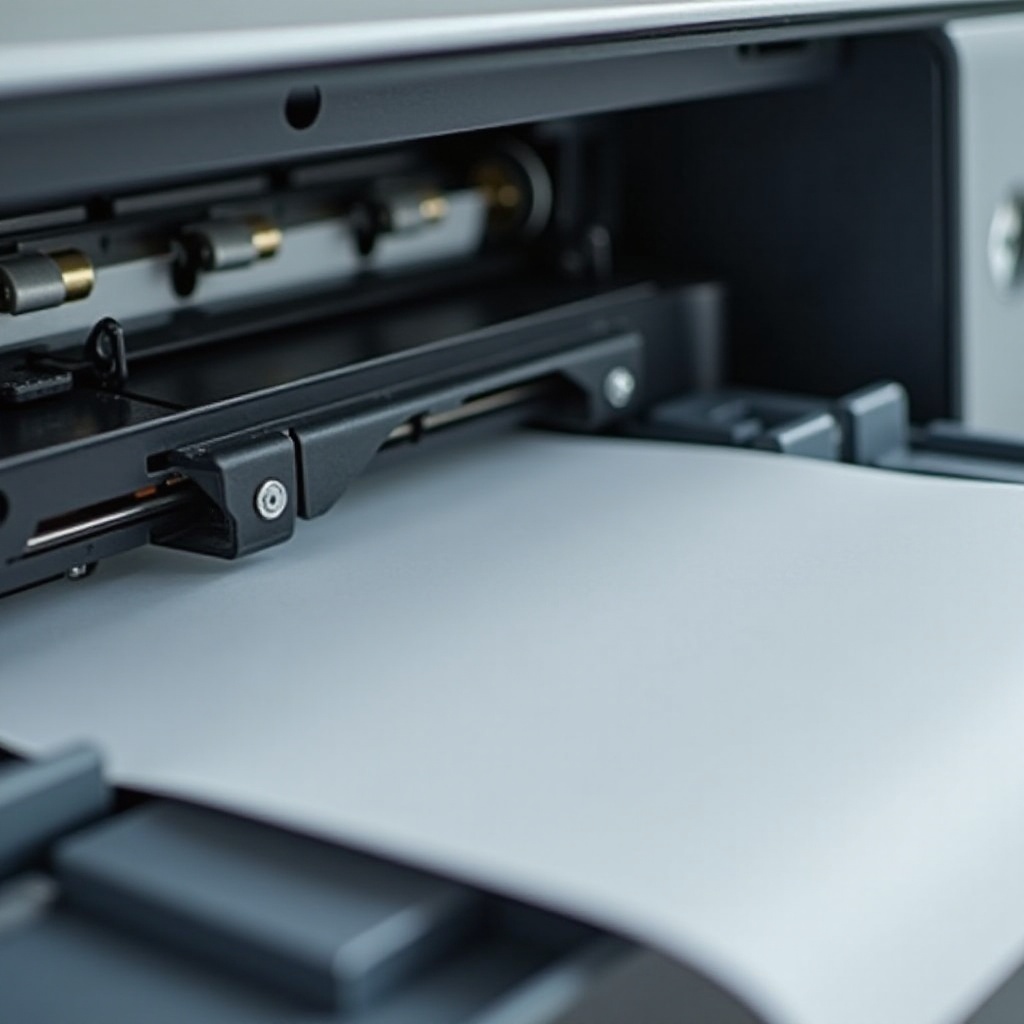
Dirty or Worn Rollers: Over time, rollers can accumulate dirt or become worn, diminishing their ability to pull paper efficiently.
-
Paper Quality and Condition: Substandard or inappropriate paper can also lead to feeding issues. Printers are optimized for specific types and weights of paper; deviations can cause jams or feeding failures.
Identifying which of these issues is affecting your printer can streamline your efforts to find a resolution. With this understanding, let’s examine practical troubleshooting steps to address these challenges.
Troubleshooting Steps to Fix Paper Feed Problems
After identifying possible issues, you’ll need to address them with specific actions:
- Check and Align the Paper Tray:
- Ensure that the paper is positioned snugly in the tray without being too tight.
-
Adjust the tray guides to accommodate the paper size accurately.
-
Clean or Replace the Rollers:
- Turn off the printer and unplug it for safety.
- Use a lint-free cloth lightly moistened with water to clean the rollers.
-
If the rollers are significantly worn, consult the printer’s manual for replacement instructions.
-
Examine the Paper for Defects:
- Inspect the paper for any tears, creases, or moisture damage.
- Stick to using paper types recommended by the printer manufacturer.
Following these steps should resolve the majority of paper feeding issues. However, if difficulties persist, more advanced solutions may be necessary.
Advanced Solutions for Persistent Issues
If basic troubleshooting does not resolve the issue, consider implementing advanced solutions:
- Update Printer Drivers and Software:
- Visit the manufacturer’s website to check for available updates specific to your printer model.
-
The latest drivers can sometimes resolve software-related issues affecting paper feeding.
-
Inspect for Hardware Malfunctions:
- Listen for any unusual noises or examine for error messages that could indicate hardware problems.
-
Ensure all parts of the printer are securely connected to power and data links.
-
Professional Repair Services:
- If you cannot diagnose or fix the issue, consider consulting a professional repair service.
- Authorized service centers offer in-depth analysis and repairs, which might be covered under warranty.
Upon resolving existing issues, taking steps to prevent future paper feeding problems will help maintain smooth printer operations in the long run.
Preventing Paper Feeding Problems
Proactive maintenance can often avert problems before they arise. Here are some useful strategies:
- Routine Maintenance Tips:
- Regularly clean not only the rollers but also other printer parts susceptible to dust buildup.
-
Schedule checks every two to three months to ensure your printer is in top condition.
-
Proper Paper Storage and Handling:
- Store paper in a cool, dry setting to prevent moisture absorption.
- Always fan your paper stack before loading to minimize static cling and ensure separation.
By implementing these preventive measures, you can significantly reduce the likelihood of recurring feeding problems and enhance your printer’s longevity.
Conclusion
A printer that refuses to pull paper is a vexing issue, but by methodically identifying the cause and applying the right solutions, you can get your printer back in working order quickly. From simple adjustments and cleaning to professional repairs if needed, these strategies will help maximize your printer’s efficiency. Regular maintenance and diligent handling are critical to preventing future issues and prolonging the life of your printer.
Frequently Asked Questions
Why does my printer say ‘out of paper’ when it isn’t?
This could be due to sensor issues, incorrect paper settings, or software malfunctions. Double-check the settings and ensure the paper is loaded correctly.
How often should I clean my printer rollers?
It is recommended to clean your printer rollers every two to three months, or more frequently if the printer is used often or in dusty environments.
What type of paper is best for avoiding feed issues?
Use paper recommended by the printer manufacturer, typically detailed in the user manual. Standard office paper usually works best, but verify for specific requirements.