Introduction
Onn wireless earbuds offer exceptional sound quality and convenience, making them a favorite among audiophiles and casual users alike. Grasping how to set up and utilize these earbuds enhances your listening experience, ensuring you get the most out of every moment. This comprehensive guide will lead you through setup, pairing, use, and maintenance, ensuring you’re equipped with all you need to enjoy seamless audio.
Unboxing and Initial Setup
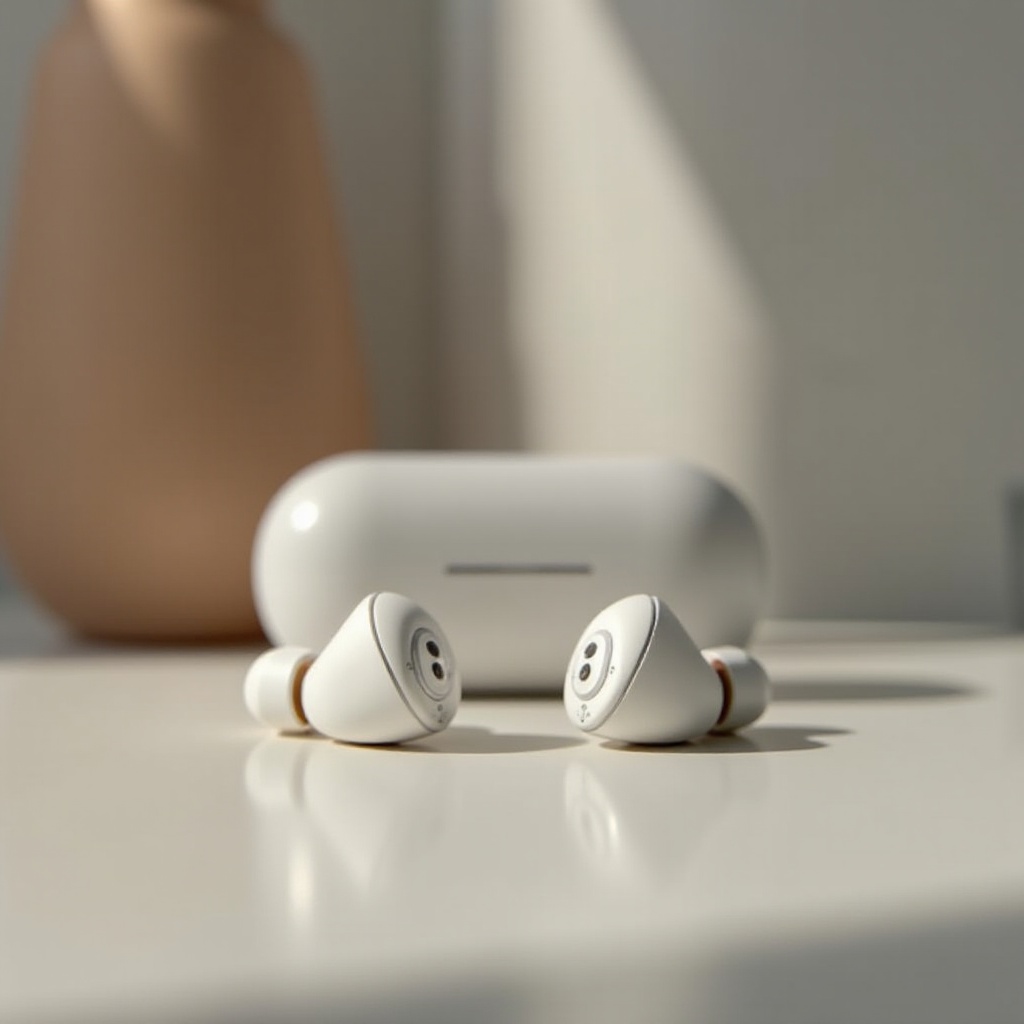
As you eagerly unbox your Onn wireless earbuds, you will find several components that are necessary for optimal use. Here’s how to begin:
- What’s Inside:
- Onn wireless earbuds
- Charging case
- USB charging cable
- User manual
-
Additional ear tips for a customized fit
-
Initial Setup:
- Carefully remove the earbuds and charging case from the packaging.
- Choose the ear tips that provide the most comfortable and secure fit.
- Place the earbuds into the charging case to ensure they are fully charged before first use.
Proper initial setup is crucial for a hassle-free experience. Ensuring they are charged allows you uninterrupted enjoyment.
Charging Your Onn Wireless Earbuds
Understanding how to charge your earbuds correctly preserves their life and reliability:
- Charging Process:
- Use the USB cable to connect the case to a power source. Ensure that the cable is securely connected to avoid disruptions.
-
Indicator lights will signal charging status. A solid light indicates a full charge, whereas a blinking light shows they are charging.
-
Battery Health Tips:
- Unplug once the charging light goes solid to prevent overcharging.
- Keep earbuds in the charging case when not in use to maintain their charge.
Once your earbuds are fully charged, you’re ready to connect them to your devices and immerse in quality sound.
Pairing Your Earbuds with Devices
Pairing is a key step to begin using your earbuds. Here’s how you can pair them seamlessly:
- For iOS Devices:
- Enable Bluetooth on your iOS device.
- Open the charging case lid, press the pairing button until the light blinks.
-
Select ‘Onn Earbuds’ from the list of available devices.
-
For Android Devices:
- Navigate to the Bluetooth settings on your Android device.
-
Follow the same steps: open the case, press the button, and select your earbuds from the discovered items.
-
Troubleshooting:
- Ensure your device’s Bluetooth is enabled.
- Reset your earbuds if they do not appear on the list by holding the pairing button for 10 seconds.
From pairing, you can directly control music and calls, enhancing usability while keeping your hands free.
Utilizing Earbud Controls
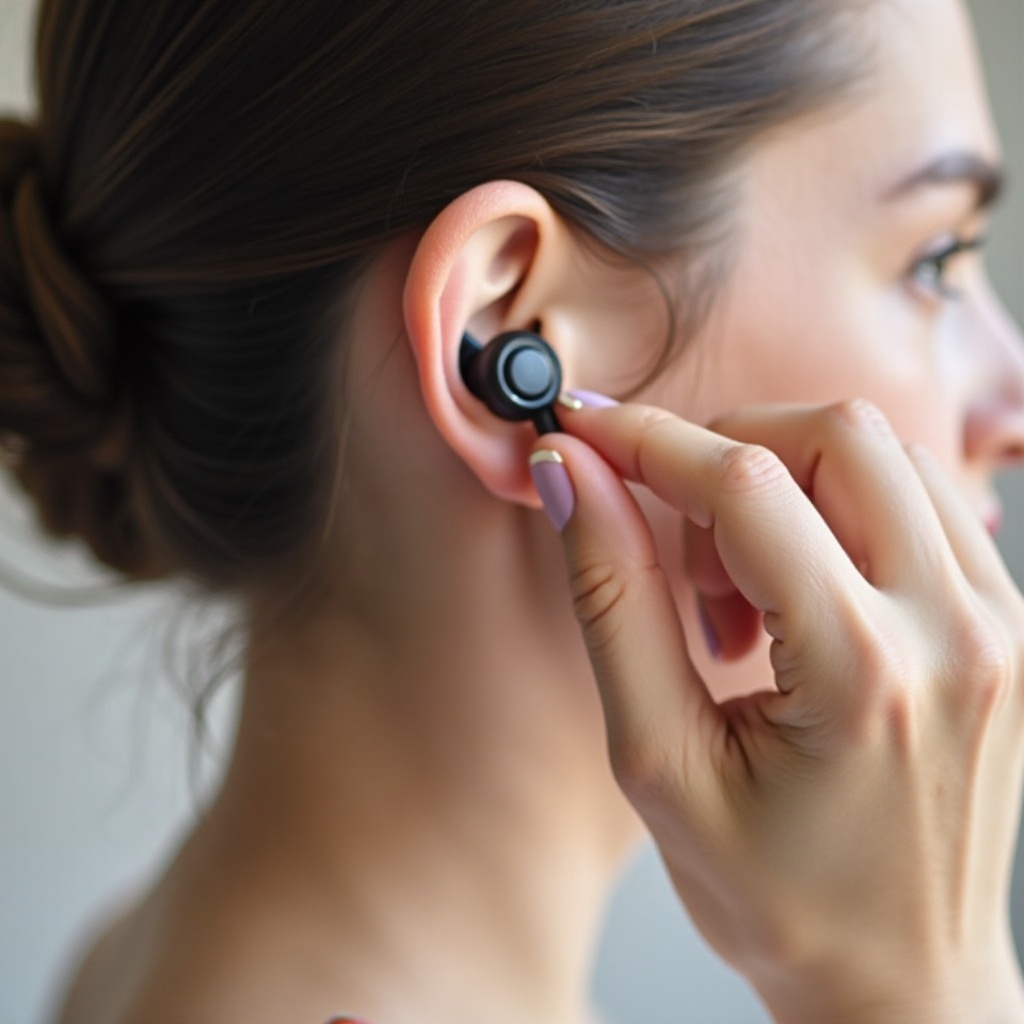
Experiencing the full features of your Onn earbuds involves mastering their controls. The touch sensitivity makes it easy to manage daily tasks:
- Music & Playback:
- Tap the right earbud once for play/pause functions.
-
Double-tap to skip forward, and triple-tap to go back to the previous song.
-
Call Features:
- Single-tap any earbud to answer or end calls with ease.
-
Hold for two seconds to reject an incoming call, ensuring privacy and convenience.
-
Activating Voice Assistants:
- Double-tap the left earbud to activate assistants such as Siri and Google Assistant, integrating with your devices seamlessly.
After mastering control, understanding maintenance ensures longevity of your earbuds.
Maintenance and Care
To maintain performance, regular cleaning and updates are essential:
- Cleaning & Storage:
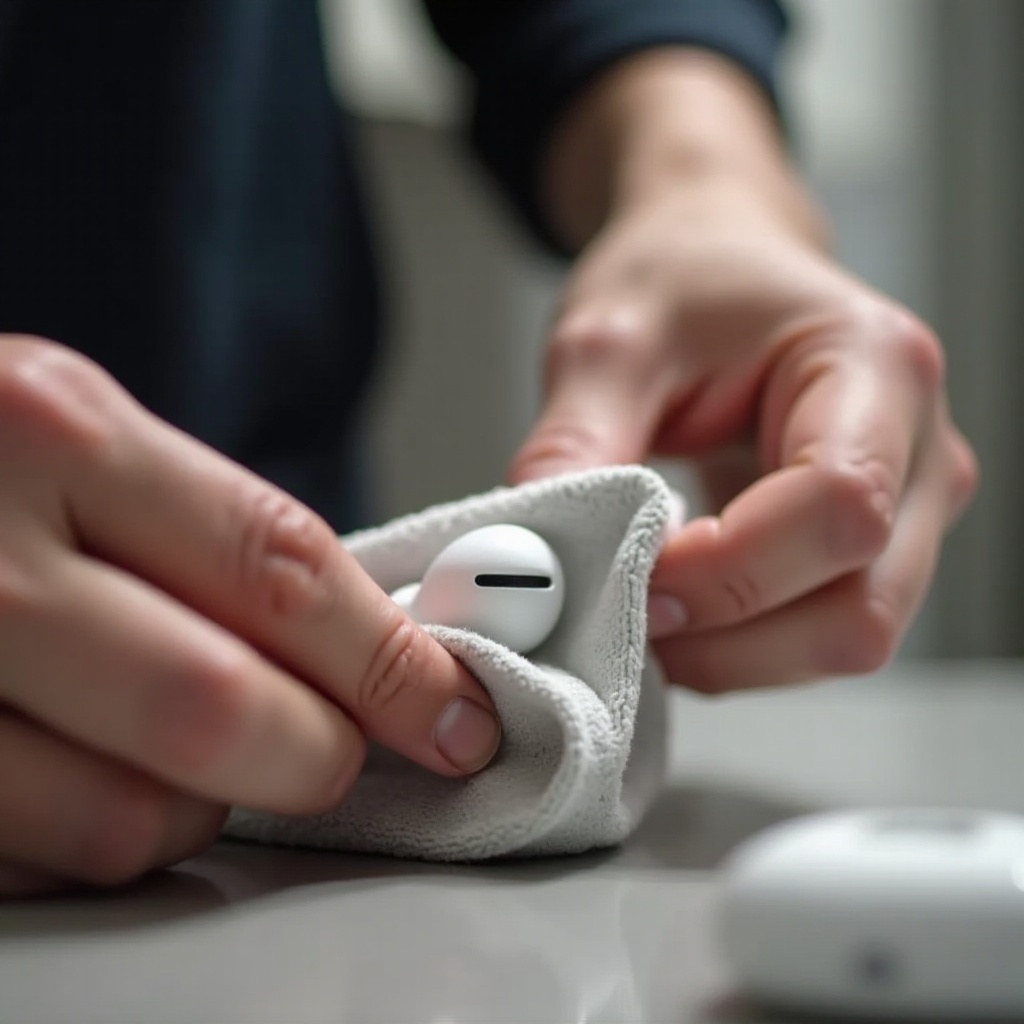
- Use a soft cloth to clean ear tips and earbuds, preventing wax build-up.
-
Always store them in the case to guard against physical and environmental damage.
-
Software Updates:
- Check for updates via the Onn app or website.
- During updates, ensure a stable internet connection to avoid disruptions.
Proper care will enhance your earbuds’ lifespan, maintaining sound quality and functionality over time.
Conclusion
With this extensive guide, you are now equipped to gain the most from your Onn wireless earbuds. From setup to maintenance, each step is designed to offer an optimal listening experience. Explore different functionalities, ensuring you harness the full potential of your device daily.
Frequently Asked Questions
How do I reset my Onn wireless earbuds?
To reset, place the earbuds in the charging case. Then, press and hold the pairing button for 10 seconds until the LED lights flash.
Why won’t my Onn earbuds connect to Bluetooth?
Ensure Bluetooth is enabled on your device and the earbuds are in pairing mode. Try resetting your earbuds and restarting your device.
How can I improve the sound quality of my Onn earbuds?
Make sure the earbuds are fitted snugly with the correct ear tips. Check for firmware updates and keep the earbuds clean and free of dust.