Introduction
The appearance of an orange light on your Xbox power supply can disrupt your gaming session and cause concern. Understanding why this light appears and how to address it quickly is essential. This guide provides you with the necessary steps to troubleshoot and resolve the orange light issue, ensuring your console operates smoothly without interruptions.
What Does the Xbox Orange Light Indicate?
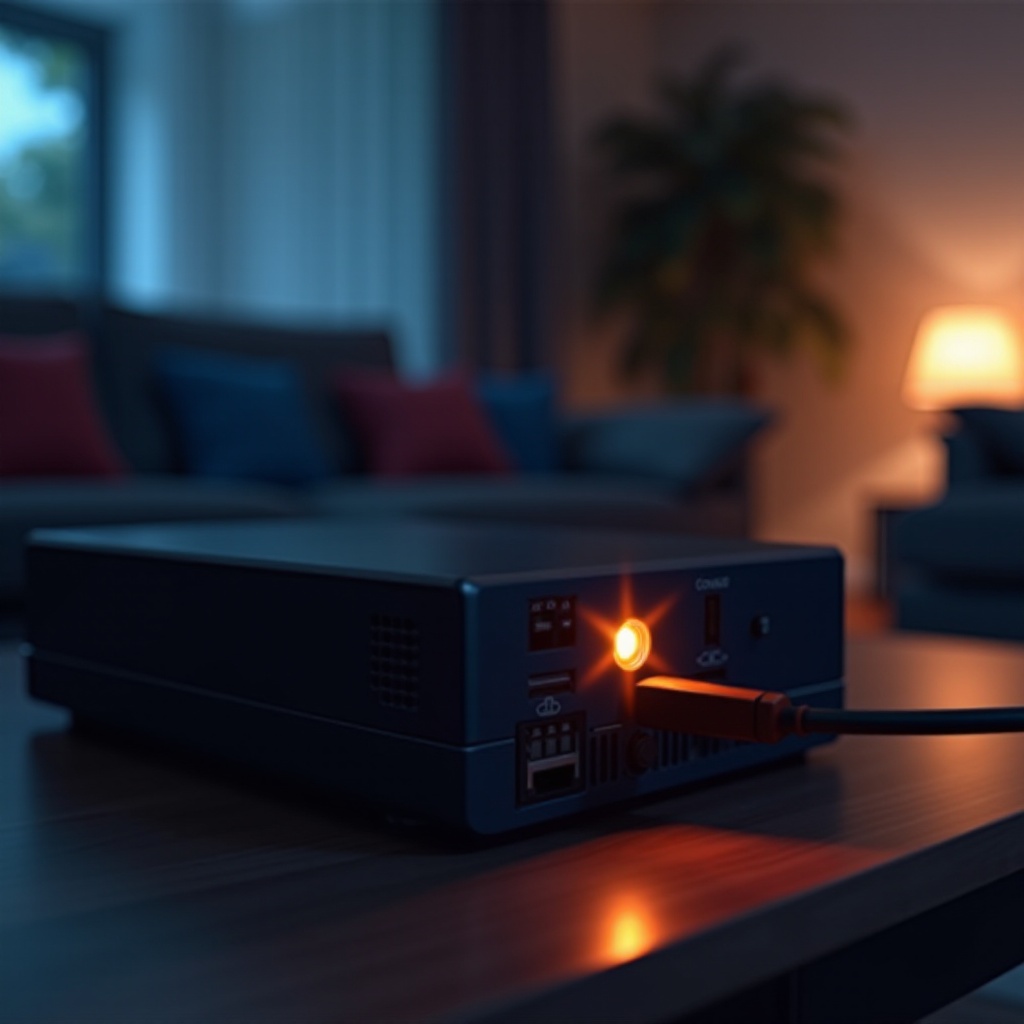
The orange light signals that your Xbox power supply is in a standby state. This means it is not fully powering the console. Several reasons might cause this:
– The console is off, but the power supply is still connected to a power outlet.
– The power outlet isn’t delivering enough power to the supply unit.
– There may be an internal failure within the power supply unit.
Interpreting these signals can help you pinpoint the exact cause, assisting in effective problem resolution.
Initial Troubleshooting Steps for the Xbox Orange Light
Before seeking detailed solutions, ensure you’ve conducted basic checks:
1. Check Power Connections: Ensure all cables are connected firmly. Disconnect the power supply from the wall and console, then reconnect it.
2. Reset the Power Supply: Unplug the unit from both the console and outlet. Allow 10 minutes for resetting, then reconnect.
3. Test Another Outlet: Plug the power supply into a different outlet to rule out issues with the current one.
Often, these simple steps will restore functionality. If not, proceed to more advanced solutions.
Advanced Solutions for Persistent Orange Light Issues
If the issue persists despite initial efforts, more detailed investigation and solutions are required:
1. Evaluate the Power Supply: Inspect for visible damage or noise. A replacement may be necessary if problems are detected.
2. Ensure Proper Ventilation: Overheating can hinder functionality. Ensure that the power supply has adequate ventilation.
3. Replace Faulty Components: If damage is identified, replacing the entire power supply unit may resolve the issue. Always choose certified replacements.
These strategies, combined with initial troubleshooting, should rectify persistent problems, ensuring the Xbox functions correctly.
Preventive Maintenance Tips
After resolving the issue, preventive measures can help avoid recurrence:
– Regular Inspections: Conduct routine checks for wear and damage to the power supply and console.
– Cleaning Practices: Dust the power supply and console with compressed air to prevent dust accumulation.
– Optimal Placement: Keep your Xbox in a ventilated area away from heat sources.
Good habits in maintenance will help sustain your console’s performance.
When to Consider Professional Repair or Replacement
Some situations necessitate professional help or replacement:
– Recurring Problems: Frequent occurrences may indicate deeper issues requiring expert diagnosis.
– No Resolution from Troubleshooting: If problems persist, consult Xbox support or technicians.
– Guidelines for Purchases: Ensure compatibility when replacing a power supply to avoid further issues.
Expert assistance or new equipment may be necessary to protect your gaming setup from future disruptions.
Conclusion
Addressing the Xbox orange light efficiently involves understanding potential causes and implementing the outlined solutions. If unresolved, professional aid ensures the longevity and performance of your gaming experience. Preventive practices will further safeguard the health of your Xbox.
Frequently Asked Questions
What if my Xbox power supply is still under warranty?
If your Xbox power supply is under warranty, contact the retailer or Xbox support to check repair or replacement options covered under the warranty.
Can the orange light issue cause damage to my Xbox console?
While the orange light itself doesn’t harm your console, unresolved power supply issues might lead to operational problems, so timely resolution is critical.
Are there specific brands of replacement power supplies recommended for Xbox?
It’s best to use Microsoft-approved power supplies or those from well-known brands proven to offer quality and reliability for Xbox consoles.