Introduction
Understanding how long your MacBook Pro takes to charge can help you manage your time better and ensure your device is always ready for use. Whether you’re gearing up for a busy workday or planning a long travel journey, knowing the ins and outs of MacBook charging can make a significant difference. This guide unveils the factors that impact charging times and offers practical tips to enhance your charging experience.

Understanding MacBook Pro Battery Technology
MacBook Pro models utilize cutting-edge lithium-ion battery technology, providing a balance of performance and longevity. These batteries function by moving lithium ions from the negative electrode to the positive electrode when discharging and reversing when charging. Apple’s sophisticated power management system optimizes this process to extend lifespan and efficiency.
With each new model, the MacBook Pro introduces varied battery configurations tailored to the device’s size and performance requirements. For instance, newer models benefit from advanced energy density improvements and streamlined power delivery systems, directly affecting how swiftly they charge. This technological backbone is crucial for understanding charging duration and maximizing efficiency.
Key Factors Influencing Charging Time
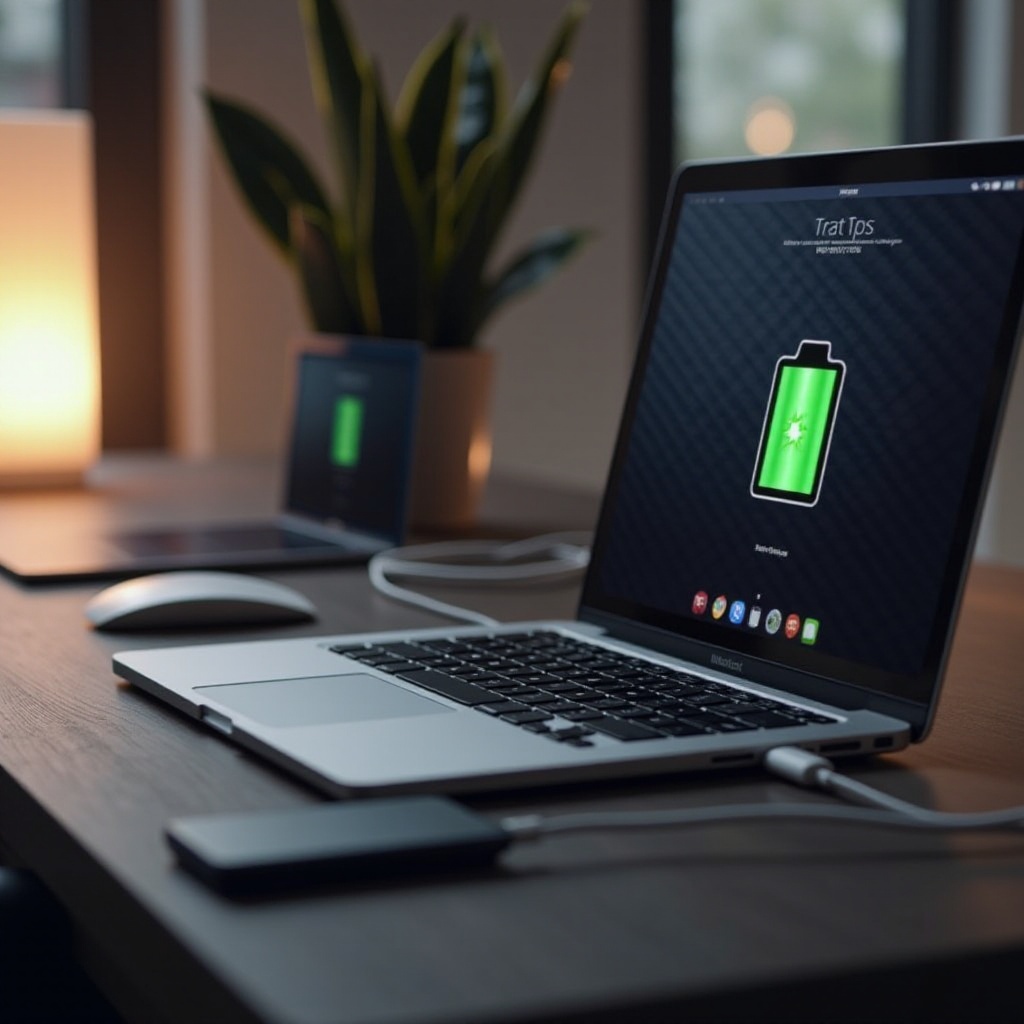
Several key factors influence how long a MacBook Pro takes to charge fully. Knowing these elements helps you strategize your charging routine for maximum efficiency:
-
Battery Health and Age: Fresh batteries typically charge faster than their older, deteriorated counterparts. Monitoring battery health through your MacBook’s settings can provide insight into expected charging time.
-
Power Adapter Specifications: Using the proper adapter is crucial. A charger with insufficient wattage can significantly slow charging speeds, making it vital to stick with Apple’s recommended options or certified alternatives.
-
Usage During Charging: High power-consuming activities such as running graphic-intensive applications or performing multiple tasks while charging will prolong the duration needed to reach full charge.
By keeping these factors in mind, you can determine optimal charging scenarios and make better decisions about when to power up your device.
Typical Charging Times for Recent MacBook Pro Models
Typical charging times vary across the different MacBook Pro models released after 2024:
-
MacBook Pro 13-inch Models: These models generally require 2 to 3 hours to charge completely from empty using an appropriate charger. Their compact batteries allow for relatively quick recharging.
-
MacBook Pro 16-inch Models: Given the larger battery size necessitated by bigger screens and enhanced performance capabilities, these models usually take about 3 to 4 hours for a full charge.
Grasping these typical charging durations facilitates better planning, allowing you to ensure your device is prepared when you need it most.
Tips to Optimize MacBook Pro Charging Speed
For efficient and speedy charging, consider implementing the following practices:
-
Use the Correct Adapter: Always opt for the original charger or a reliable Apple-certified alternative to ensure optimal power delivery and minimize charging time.
-
Minimize Usage During Charging: When possible, avoid intensive activities while your MacBook is charging. This practice not only speeds up charging times but also retains more effective battery health.
-
Maintain Optimal Temperature Conditions: Keep your device in a cool, well-ventilated environment during charging periods to prevent overheating and ensure smooth, expedient power replenishment.
By adopting these strategies, you ensure both an improved charging experience and a prolonged battery lifespan.
Addressing Common Charging Issues
Despite the best practices, charging issues can arise. Understanding and resolving these issues is important:
-
Troubleshooting Slow Charging: If your device is charging sluggishly, inspect the power adapter and cable for any damage. Replacing worn-out accessories often resolves slow charging concerns.
-
Identifying Faulty Chargers: If charger problems persist, try an alternate, verified charger. Confirm any substitutions meet Apple standards to safeguard charging efficiency and device safety.
These methods help maintain your charging setup in pristine condition, ensuring your MacBook is always ready for any task.
Conclusion
Mastering the charging intricacies of your MacBook Pro involves understanding its battery technology, recognizing factors affecting charge time, and employing efficient strategies for quick power replenishment. Through the tips and insights offered here, you can cultivate routines that enhance your MacBook’s performance and longevity.
Frequently Asked Questions
How can I tell if my MacBook Pro is charging correctly?
Check for the lightning bolt icon on the menu bar. It indicates active charging. The battery status in system preferences also confirms charge activity.
Is it safe to use third-party chargers for my MacBook Pro?
Ensure any third-party chargers are Apple-certified. Certification guarantees safety and compatibility, preventing potential battery damage.
How often should I fully discharge my MacBook Pro battery?
It’s not necessary to fully discharge regularly, as modern lithium-ion batteries do not require it. Keeping the charge between 20% and 80% fosters optimal health.