Introduction
LED TVs dominate living rooms with their rich colors and sleek profiles, but they aren’t immune to occasional issues like flickering, discoloration, or dead pixels. Fixing these problems extends your TV’s lifespan and maintains your viewing pleasure. This guide will show you how to troubleshoot and repair common screen problems effectively.
Understanding LED TV Technology
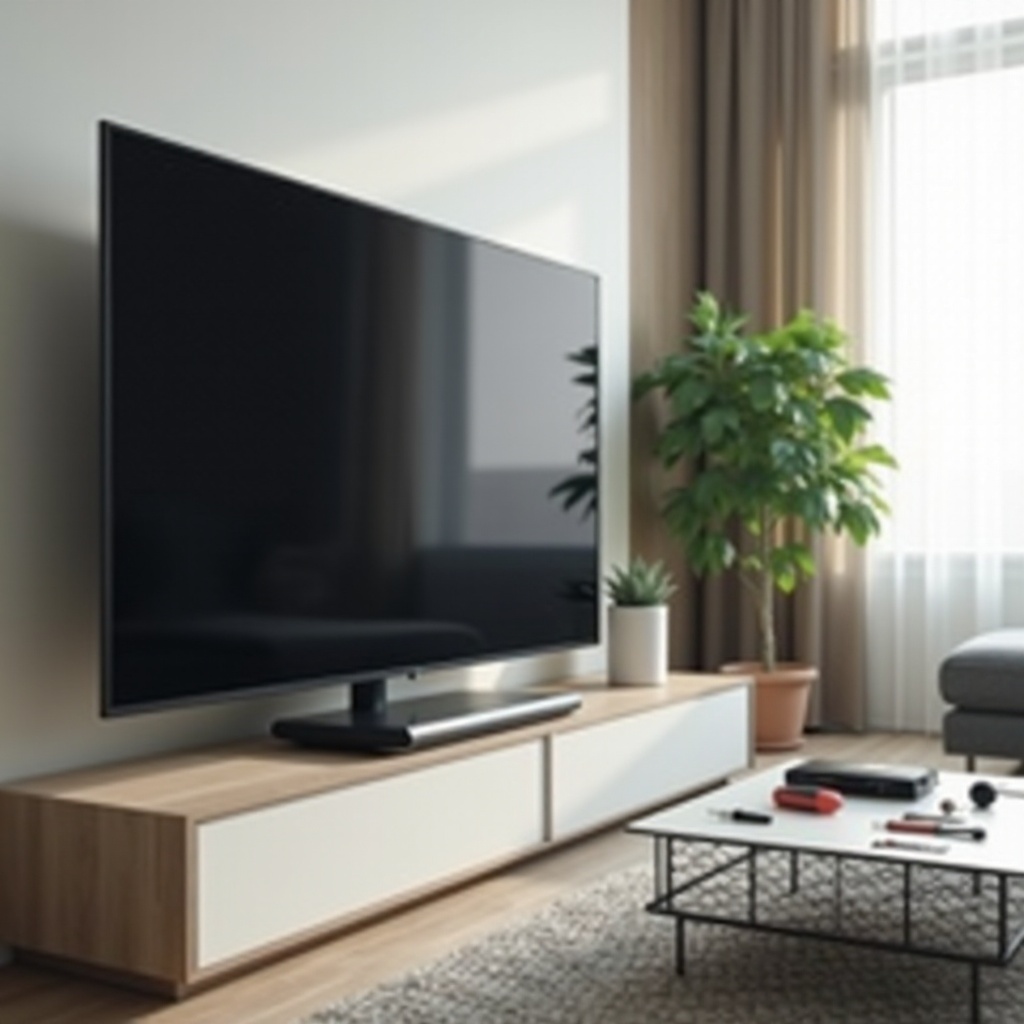
Before diving into fixes, it helps to understand how LED TVs work. These screens utilize light-emitting diodes behind or at the edges to illuminate the display, enabling thinner designs and energy efficiency.
-
How LED Screens Work: LEDs provide backlighting to produce images through individual pixels, ensuring bright and vibrant displays.
-
Common Components of LED TVs: Key parts include the LED panel, power supply, and video processing unit. Recognizing these elements aids in identifying where problems might arise.
Understanding these components lays the groundwork for diagnosing specific screen issues.
Diagnosing Screen Problems
Once you’re familiar with the essential components, the next step is identifying specific problems that can hinder your viewing experience.
-
Identifying Flickering Issues: Flickering can result from loose cables or backlight malfunctions. Tracking whether it’s intermittent or constant helps pinpoint the cause.
-
Recognizing Discoloration: Discoloration might stem from display settings misalignments or panel defects. Noting which colors are affected can assist in resolving the issue.
-
Understanding Dead Pixels: These are inactive dots on your screen and appear as black or white spots, often due to manufacturing defects or damage.
Pinpointing these issues prepares you for effective troubleshooting.
Basic Troubleshooting Steps
Identifying the problem allows you to proceed with basic troubleshooting steps, which could resolve many LED TV screen issues.
-
Checking Cable Connections: Loose cables can cause flickering or loss of picture. Ensure all cables are tightly connected.
-
Performing a Soft Reset: Turn the TV off, unplug it for a minute, then plug it back in. This reset can often resolve software glitches.
-
Updating the TV’s Firmware: Firmware updates can fix software bugs affecting screen performance. Check your settings menu for updates.
These steps offer simple solutions that might resolve the issue, avoiding the need for more extensive repairs.
DIY Solutions for Common Issues
If preliminary troubleshooting hasn’t resolved the issue, there are several DIY solutions you can try to tackle common screen problems.
-
Solving Flickering Problems: Try reducing backlight intensity or adjusting the refresh rate in your TV’s settings. These changes often stabilize the image.
-
Fixing Discoloration or Tints: Access your TV’s settings to calibrate color and tint settings, which can correct visual distortions.
-
Dealing with Dead Pixels: A pixel repair tool can rapidly flash colors, potentially activating dormant pixels.
DIY solutions can be cost-effective and extend the lifespan of your TV, making them a worthwhile attempt before seeking professional help.
Advanced Repair Techniques
Some issues require tackling more advanced repairs, which you can manage at home with the right skills and caution.
-
Replacing LED Backlights: This involves opening the TV to access and replace the backlighting. It requires technical skill and steady hands.
-
Repairing Internal Hardware: Damaged internal parts, like the power supply board, might need replacement. Detailed guides specific to your model can assist with these repairs.
Attempting these techniques requires confidence in handling technical tasks and a good understanding of your TV’s model.
Knowing When to Seek Professional Help
While many fixes are DIY-friendly, certain scenarios need expert intervention. Extensive damage, such as large dark patches or persistent faults despite trying repairs, suggests it’s time to consult a professional. This ensures safety and precision in handling complex parts.

Preventative Maintenance Tips
Preventing LED TV issues is as important as knowing how to fix them. Regular maintenance can help.
-
Regular Cleaning Protocols: Clean your TV screen with a microfiber cloth, avoiding harsh chemicals that might damage the screen’s surface.
-
Avoiding Screen Burn-ins: Use screen savers and vary the type of content watched to prevent static images from causing burn-in.
Adopting a routine maintenance schedule keeps your TV in top condition and reduces the likelihood of future problems.
Conclusion
Maintaining and repairing your LED TV screen is a practical way to ensure lasting enjoyment from your device. By understanding the basics, accurately diagnosing problems, and trying DIY fixes, a lot can be managed at home. Remember, regular care and proactive management play vital roles in preserving your TV’s performance.
Frequently Asked Questions
How can I fix my LED TV if the screen is flickering?
Begin by checking all cable connections to ensure they are secure. If flickering persists, attempt a firmware update and adjust the refresh rate in your TV’s settings.
What should I do if my LED TV screen is discolored?
Access the TV settings and calibrate the picture settings. Adjust color balance and tint to potentially resolve the issue.
Is it worth repairing an LED TV screen, or should I replace it?
If the issue is localized, like a faulty backlight, repair is usually worthwhile. For extensive damage or aging, consider replacement.