Introduction
A non-responsive TV screen disrupts your home entertainment experience. When your TV refuses to turn on, several factors might be at play, but don’t worry. Before resorting to costly repairs or replacements, there are some straightforward checks and fixes you can try. We’ll guide you through the essential steps to revive your TV.
Initial Checks and Easy Fixes
The journey to a functional TV begins with ruling out the obvious issues. Start by examining the power source. Ensure that the TV is properly plugged into an outlet. Test the outlet by plugging in another device. It’s surprising how often a loose connection or faulty outlet is to blame.
Next, check the remote control. Often, the remote batteries are exhausted or failing. Ensure that the batteries have charge, and try turning the TV on from the unit itself rather than the remote. This can quickly reveal if the remote is the problem.
Once these simple checks are complete, let’s inspect the physical connections further.
Inspecting Physical Connections and Cables
After confirming there’s no issue with the power, ensure all physical connections are secure. The stability of your cable connections can influence the functioning of your TV.
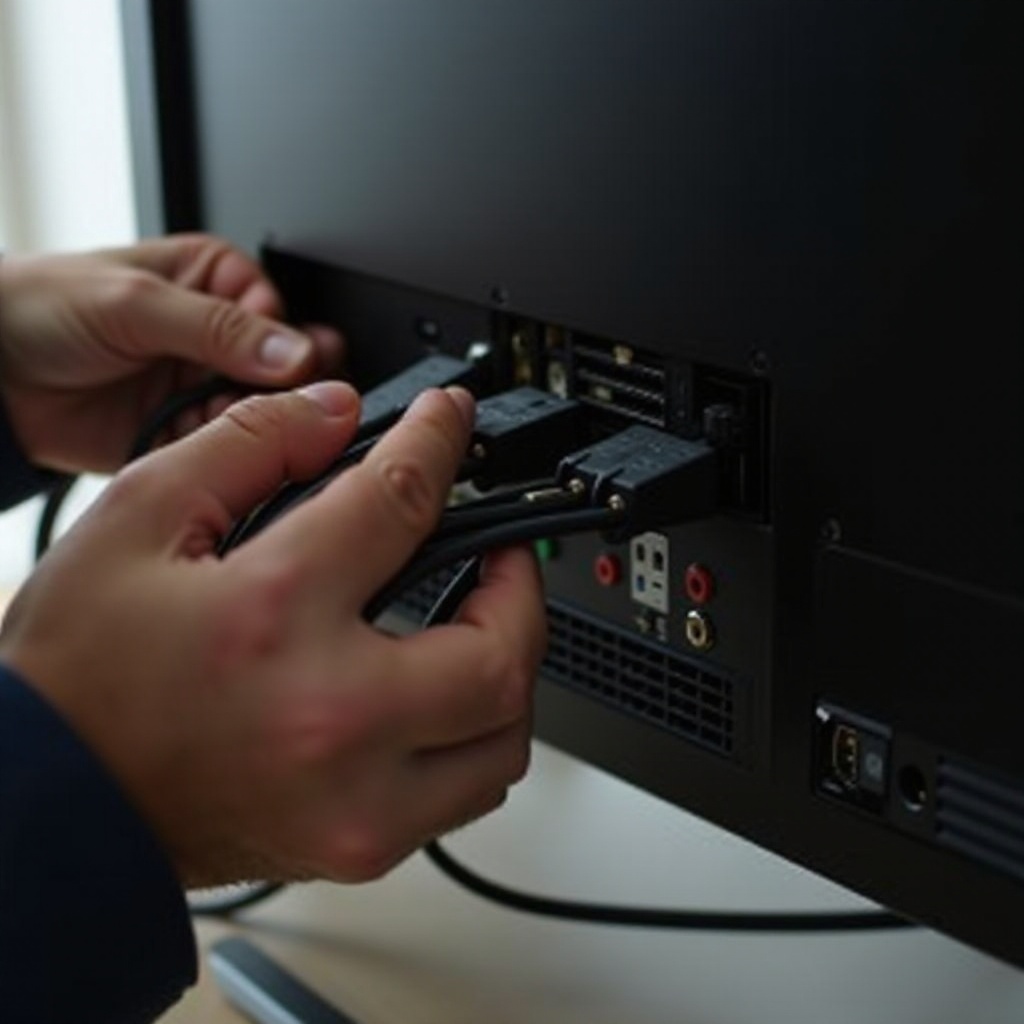
To start, inspect the power cable and outlet. Ensure all cables are snugly fit in their sockets, including those at the back of the TV and the plug into the wall socket. Loose cables can cause issues that are easily overlooked.
Next, evaluate HDMI and peripheral devices. Disconnect all HDMI, USB, and other cables, then reconnect them one at a time. Check the TV’s response with each reconnection. Sometimes peripherals malfunction and create startup issues.
If the screen remains unresponsive, it’s time to consider display or internal component issues.
On-Screen Problems and Internal Issues
Issues with the TV display or interior components can lead to a non-functioning screen.
Start with screen brightness and display settings. Sometimes, settings adjustments can lead to a blank screen illusion. Navigate to the TV menu and check brightness and contrast settings, ensuring they haven’t been accidentally altered.
Furthermore, recognizing internal component failures is crucial. Flickering screens or previous performance hiccups might suggest internal failures like problematic backlights or faulty power supply boards. Consulting your TV’s user manual can also reveal built-in diagnostic functions that might pinpoint trouble areas.
Next up, updating software and firmware can sometimes resolve internal conflicts affecting startup.
Software and Firmware Solutions
Updating your TV’s software can rectify many issues, including those causing the screen not to turn on.
Access your TV’s settings to check for and perform software and firmware updates. Given a working screen, these updates may eliminate underlying issues causing startup conflicts.
Performing a system reboot is another approach. Unplug your TV to power cycle it. If failures persist, a factory reset might be necessary, depending on your TV model. Consult its manual for specific reset instructions.
When these measures fail, it’s time to contemplate repair or replacement decisions.
Repair or Replace: Making the Decision
After exploring all troubleshooting avenues, you might face a decision: repair or replace your TV.
Consider the age of your TV and the anticipated cost of repairs. If repairs cost significantly more than a new model, replacement might be a practical choice. New TVs offer energy efficiency and advanced features, but if repair costs are modest, repairing is sensible.
If repairs are the way forward, choose reputable service providers. Many manufacturers have authorized service centers, which can be reliable options. Let’s now consider preventative measures to avoid future interruptions.
Preventative Measures for Future Safety
When your TV is restored, maintaining smooth operation is essential. Preventative actions can save substantial time and money.
Begin with surge protection. Shield your TV from electrical surges with grounded power strips or surge protector devices. Surges can cause irreparable damage, and protection is a simple step.
Lastly, routine maintenance is key. Regularly clean your TV’s vents and environment from dust to prevent overheating. Following the manufacturer’s care instructions will assist in the longevity of your TV, allowing you to enjoy uninterrupted service.
These steps are integral to a healthy television setup. With that, your TV should be running optimally. Let’s examine common queries related to this topic.
Frequently Asked Questions
What should I do if my TV screen goes black but the sound still works?
This likely indicates a display problem. Check your HDMI connections and screen settings. Persistent issues may suggest a faulty backlight, warranting professional inspection.
How can I troubleshoot a smart TV that won’t turn on?
Unplug your TV for a power cycle. Check for software updates, as outdated firmware might prevent startup. If issues persist, it may require further diagnostic checks or professional help.
Are there any specific reset procedures for different TV brands?
Yes, different brands offer specific reset sequences. Consult the user manual or manufacturer’s support website for precise instructions tailored to your model.