Introduction
A stuck trigger on your PS5 controller can quickly turn any gaming session into a frustrating challenge. The DualSense controller’s precision and haptic feedback are essential for immersive gameplay, and a malfunctioning trigger can disrupt this experience. Fortunately, solutions are available that you can apply yourself to fix this issue and return to gaming seamlessly. This detailed guide will cover understanding the problem, identifying common causes, and offering step-by-step troubleshooting methods, preventive strategies, and tips on when it’s best to consult a professional.
Understanding PS5 Controller Triggers
The PS5 DualSense controller is celebrated for its advanced features, including haptic feedback and adaptive triggers designed to simulate real-world actions. These triggers are vital for activities like accelerating, braking, or shooting within games. Knowing how they work is key to diagnosing and fixing any issues. The trigger mechanism involves components like springs, sensors, and connecting cables. Recognizing the interplay of these parts can help you identify the source of a stuck trigger.
Common Causes of Trigger Stickiness
Several factors can lead to a stuck trigger issue. Let’s delve into the common reasons:
-
Dust and Debris Buildup: Over time, dust, lint, and other particles can accumulate and obstruct trigger movement.
-
Mechanical Wear and Tear: Constant use can result in wear, causing misalignments of the small internal parts.
-
Alignment Issues: Accidental drops or frequent usage may lead to trigger misalignment, affecting function.
Understanding these common problems is the first step in applying the right troubleshooting methods to restore your controller’s functionality.
Step-by-Step Troubleshooting Guide
Before exploring advanced solutions, start with these foundational troubleshooting steps:
- Initial Cleaning Process
- Ensure the controller is powered off and disconnected.
- Use a can of compressed air to blow contaminates away from the trigger.
-
Dampen a cotton swab with isopropyl alcohol to clean around the trigger edges gently, being careful not to over-saturate.
-
Checking and Realigning Triggers
- Lightly lift the trigger to exert minimal pressure while feeling for smooth movement.
-
Reposition the trigger by gently wiggling it to achieve proper alignment.
-
Advanced Repair Techniques
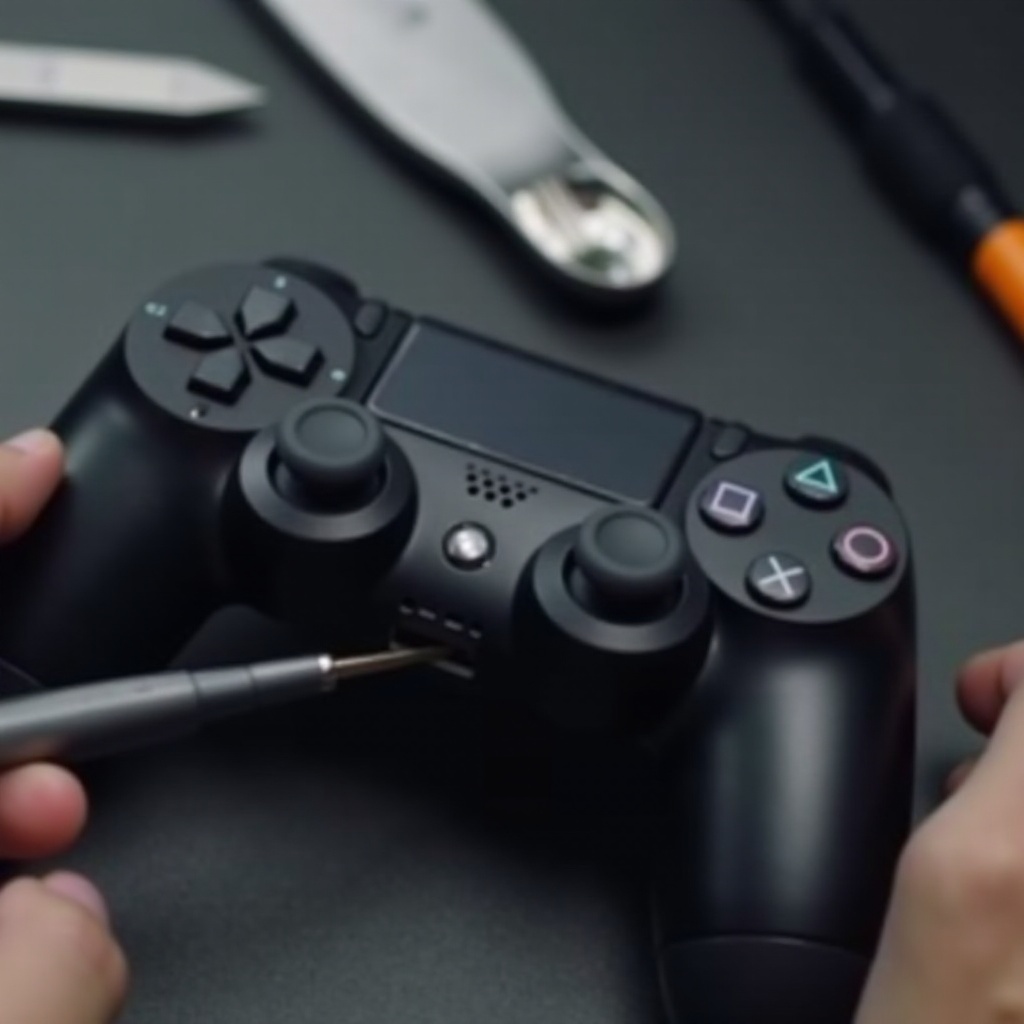
- If problems persist, consider opening the controller to investigate inside. Be aware this action might void warranties.
- Carefully disassemble your controller using precision tools to inspect and adjust any dislodged internal components.
- Reassemble the parts meticulously after inspection.
These solutions generally address common trigger problems, getting you back to gaming swiftly. Let’s explore how routine maintenance can stave off future issues.
Preventive Measures
To keep your controller in excellent condition, apply these preventive measures:
-
Routine Cleaning Tips: Consistently clean your controller with a microfiber cloth, and occasionally use compressed air for thoroughness.
-
Proper Storage Recommendations: Store the controller in a dust-free environment and use a protective case when not in use.
-
Gentle Handling: Use the triggers with measured force to improve their lifespan and reliability.
Adopting these habits can help maintain your controller’s performance, minimizing the risk of a stuck trigger problem.
When to Consult a Professional
Sometimes, despite your best efforts, the issue might require expert intervention. Consider seeking professional help when:
-
Severe Damage Signs: If triggers are completely unresponsive or visibly damaged, it’s time to seek assistance.
-
Benefits of Professional Repairs: Professionals can efficiently diagnose and fix the issue, possibly saving costs over replacement purchases.
Recognizing when to reach out for help can prevent further delays in your gaming enjoyment, ensuring your controller is always ready for action.
Conclusion
In conclusion, a stuck trigger on your PS5 controller can dampen your gaming experience, but with the right approach, it’s a fixable issue. By understanding the controller’s workings, identifying the problem, and taking corrective actions, you can restore the fun in your gaming sessions. Regular maintenance and mindful use can prevent most future problems, keeping your controller responsive and reliable. If all else fails, professional repair services are a beneficial resource to get your controller back to top condition.
Frequently Asked Questions
Can I fix a stuck PS5 trigger at home?
Yes, many trigger issues are fixable at home with cleaning and realignment, though severe cases may need professional help.
What tools do I need to clean my PS5 controller?
You’ll need a can of compressed air, cotton swabs, isopropyl alcohol, and a microfiber cloth for effective cleaning.
How often should I clean my PS5 controller to prevent trigger issues?
Regular cleaning once a month, or more frequently with heavy use, helps prevent dirt buildup and trigger problems.