Introduction
A malfunctioning iPhone charger port can quickly become a major inconvenience, affecting both personal and professional activities. If your iPhone isn’t charging properly due to a loose port, you’re not alone, and the solution might be simpler than you think. This guide provides practical DIY steps to help you fix a loose iPhone charger port and regain the device reliability you depend on each day.
Identifying the Symptoms of a Loose Charger Port
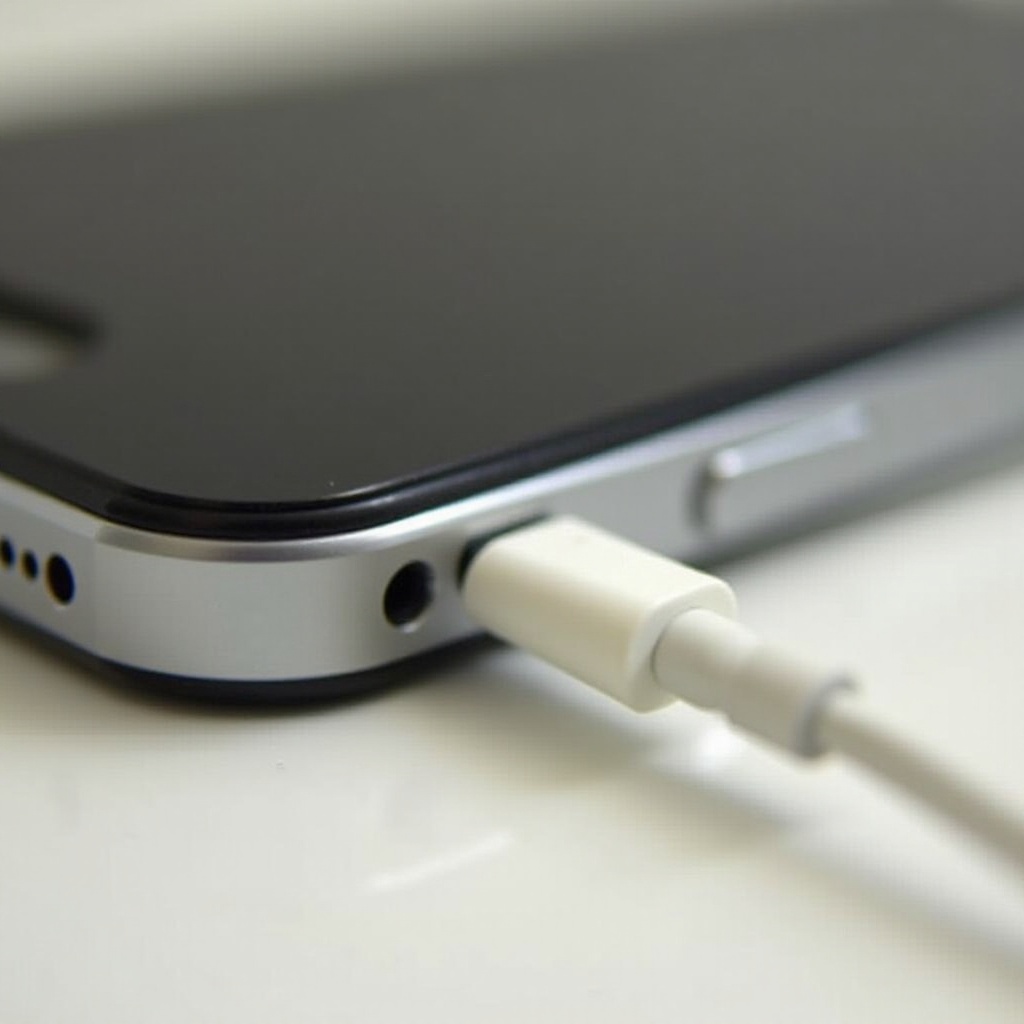
It’s important to correctly identify the symptoms of a loose charger port to confirm the cause. Common indicators include frequent disconnection, intermittent charging, or the charger plug moving inside the port. Recognizing these signs equips you with the knowledge to take appropriate action. Often, such issues are due to normal use or minor obstructions inside the port. By identifying these symptoms, you can begin troubleshooting.
Common Signs of a Loose Connection
Your iPhone’s inability to maintain a consistent charge indicates a possible loose connection. A charger that only works when held at certain angles or one that stops with slight device movement often points to port issues.
Understanding the Underlying Causes
Understanding the root cause is crucial. Regular wear and tear, dust build-up, or slight bending of internal components are typical culprits. Pinpointing these can direct you towards the most effective fix.
Essential Tools and Materials for Fixing a Loose Port
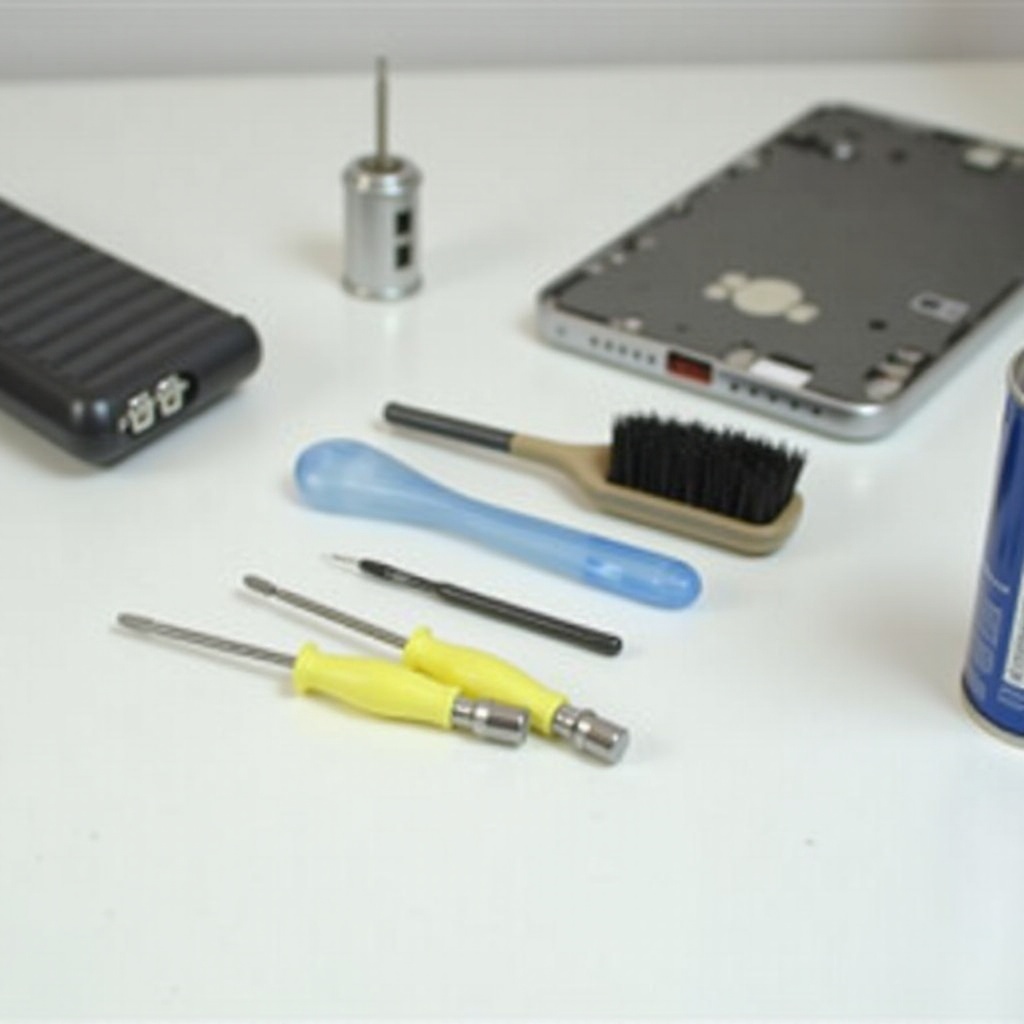
Gather the right tools before starting your repair. Required items include:
– A toothpick or non-metallic pin
– Compressed air canister
– Small screwdriver set (for disassembly, if necessary)
– Adhesive tape (for temporary fixes)
Safety is critical when handling electronics. Ensure your device is powered off before repairs. Using inappropriate tools can cause further damage, so opt for non-metallic ones to minimize risk.
What You’ll Need for Basic DIY Repairs
For basic repairs, non-metallic cleaning tools and adhesive tape are sufficient to manage most minor issues without taking your device apart.
Safety Precautions to Consider
Always power down your iPhone before attempting repairs to prevent short circuits. Use tools gently to avoid damaging the delicate components inside.
DIY Fixes for a Loose iPhone Charger Port
Now that you’ve identified the symptoms and gathered your tools, try these DIY solutions:
-
Cleaning the Charger Port: Dust and debris are common culprits. Use a non-metallic pick or a compressed air canister to clear out any blockages, improving your charger’s connection.
-
Taping Techniques for a Secure Connection: Wrap a small piece of tape around the charger tip to help stabilize it in the port temporarily. Ensure it fits snugly but not too tightly.
-
Using Compressed Air to Remove Debris: Insert the straw of the compressed air canister into the port and release short bursts of air. This can dislodge particles that are difficult to reach.
These solutions tackle the most straightforward causes of a loose port, potentially restoring functionality with minimal effort.
Advanced Repair Methods
If basic methods are insufficient, explore these advanced techniques. Use care to avoid damaging your device further:
-
Realigning Bent Connectors: Inside the port, connectors may misalign. Gently adjust them with a small, non-metallic tool to improve the connection.
-
Disassembly and Reassembly Tips for Advanced Users: If necessary, carefully remove the back cover using a tiny screwdriver to access the port. Ensure any loose connections are tightened.
Advanced methods should only be attempted if you’re comfortable with intricate repairs, as there’s a risk of causing greater damage.
When to Seek Professional Help
Sometimes, DIY repairs fall short. If your device continues to show issues despite your efforts, it might be time to seek professional help.
Signs DIY Repairs Aren’t Enough
If persistent symptoms or physical damage remain, this indicates that further professional assessment and repair might be required.
How to Choose a Reliable Repair Service
Look for reputable repair services with good reviews and adequate warranties. Consider price quotes and experience specifically with iPhone repairs.
Preventing Future Charger Port Issues
Maintaining proper care can extend the lifespan of your iPhone’s charger port, saving you from future hassles.
Best Practices for Plugging and Unplugging
Handle charging cables with care. Ensure you insert and remove them straight on, avoiding excessive force which strains the port.
Recommended Charging Habits and Cable Care
Use certified cables and keep them in good condition. Proper storage habits keep cables intact, preventing undue stress on the port.
Conclusion
A loose iPhone charger port doesn’t have to spell disaster for your device. By recognizing symptoms early and addressing them with proper cleaning, adjustments, or repairs, you can maintain your iPhone’s reliability. Should these personal fixes fail, professionals are always ready to assist. Incorporating preventive measures ensures your device remains in peak operating condition for the long term.
Frequently Asked Questions
Why is my iPhone charger port loose?
Regular use, dirt, or accidental damage often causes a charger port to become loose.
Can cleaning my iPhone’s charger port damage it?
Using non-metallic tools and gentle techniques minimizes risks. Avoid using excessive force to prevent damage.
How much does it cost to have a professional fix my charger port?
Repair costs vary by location and extent of damage, typically ranging from $50-$100.